Our homes are really cool now because of home devices. They make our lives easier. Our homes are safer. But a lot of people who own homes do something they put in these smart devices and then they forget about them. If you want your smart home devices to work properly and be safe you need to take care of them.
This list of things to do to keep your home devices working well and safe from problems is very important and it was updated in 2026. You should really use this list to keep your home devices running smoothly without any security problems, with your smart home devices.
1. Firmware and Software Updates (Monthly Task)
Whether it’s your smart refrigerator or security camera, the “brain” of these devices is their firmware. To make sure your smart home devices are working properly you should check the google home or Alexa or apple home kit app. Enable the option that says Auto-Updates so your devices can update on their own when there is software available. This way you do not have to wait for a message to tell you to update your devices.
Security patches are really important. When you do not update your software it can be easy for hackers to get in and cause trouble. Updates are not about getting new things they are also a way to protect yourself from bad people on the internet. For example when we look at security reports we see that than 60 percent of problems with smart home devices happen because people do not update their devices with the latest security patches.
2. Router and Connectivity Check
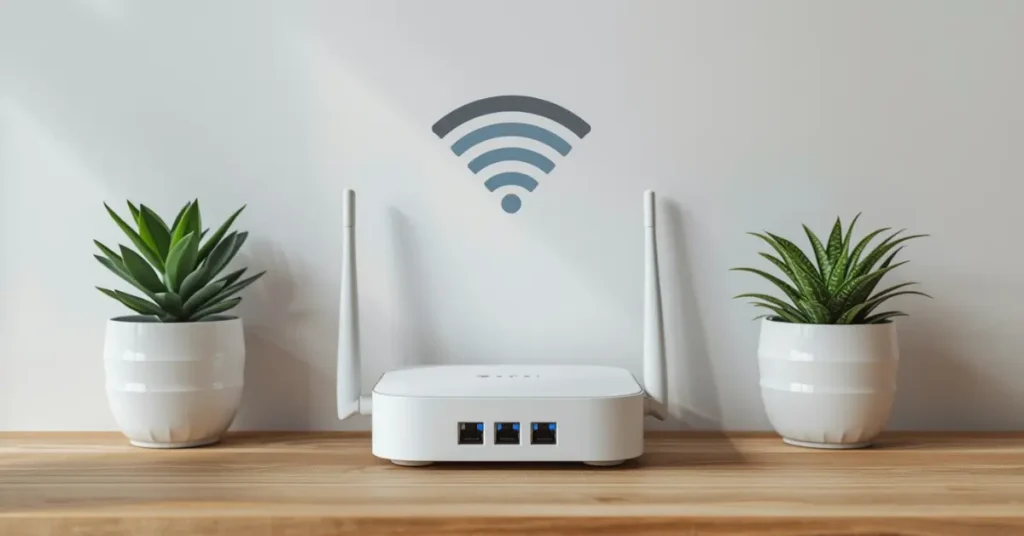
Your whole smart home system relies on having an internet connection. This means you need Wi-Fi that always works. Without Wi-Fi your smart home devices will not be able to do their jobs.
Monthly Router Reboot: You should turn off your router every month by powering it down for 30 seconds. This helps to clear the cache and refresh the connections. It can stop a lot of problems before they even start happening.
To figure out if your Signal Strength is good you need to walk around your property. Check if your outdoor cameras and garage devices are getting a signal. If the signal is weak it can cause problems. If you find areas with no signal you should think about getting a Wi-Fi extender or a mesh network system.
3. Battery Replacement (Critical for Security)
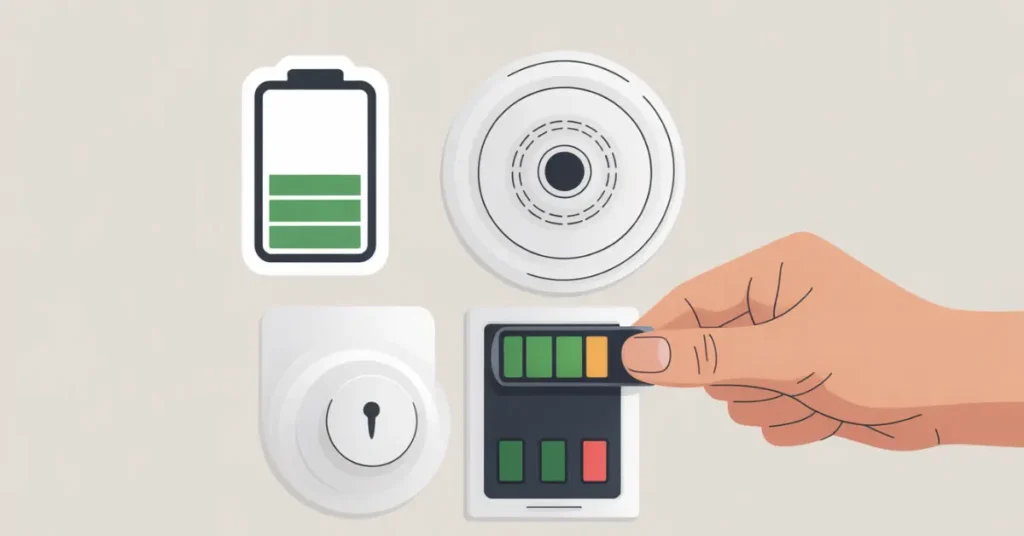
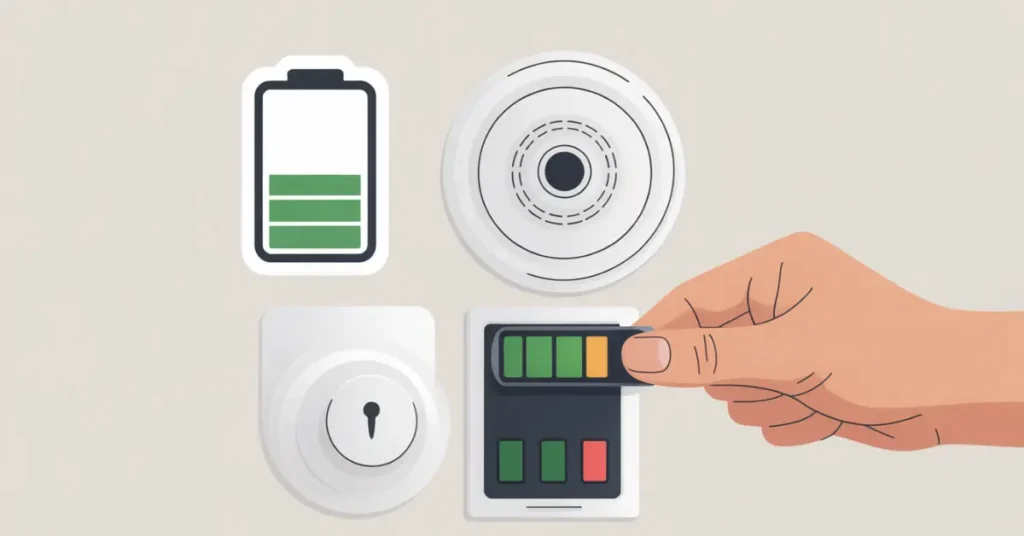
A lot of things like smoke detectors and door locks and motion sensors need batteries to work.
Do not ignore battery alerts. Never wait until the battery hits ten percent. Replace the batteries when they reach twenty percent battery to avoid failures especially in critical security devices.
Backup Power Solutions: You have to think about this: what happens if the power goes out will your smart hub or router still work? If it does not you should get something called a power supply to keep your system running when the power is out.
4. Hardware Cleaning (Visual Maintenance)
Smart devices have sensors that are really sensitive. These sensors get dirty and full of junk as time goes by.
When you have security cameras the camera lenses can get really dirty from dust, pollen and all sorts of grime. You should clean the camera lenses every month with a microfiber cloth. If the camera lenses are dirty the night vision will not be very good and you might miss things that the cameras are supposed to record.
Smart AC Filter Maintenance: Clean your smart air conditioner’s filters every two months to maintain energy efficiency and air quality. A clogged filter forces your system to work harder, increasing energy costs and reducing lifespan.
5. Security and Password Management
Cyber threats are always changing. This means that password security is really important. Password security is not something we can do without it is something we must have to protect ourselves from cyber threats.
Password Rotation Schedule: You should change the passwords for your home account every six months. It is an idea to use a password manager. This will help you create and store passwords that’re hard to guess and different for each smart home account platform.
Enable Two-Factor Authentication on your home accounts. If you do not do this your entire household is at risk of being hacked. Two-factor authentication adds a layer of security. This means that even if someone gets your password they cannot get into your accounts.
6. Smart Home Upgrades: When and Why?
Things do not last forever. If your smart home equipment is around four to five years old it probably does not work with the protocols and security standards that smart home equipment uses now.
Matter Protocol Compatibility: When 2026 comes around it is an idea to buy devices that work with the Matter protocol. The Matter protocol is a standard that lets brands and platforms work together easily. This will help keep your home up to date and make it easier to manage your smart home.
You should think about getting devices if your old ones do not get security updates anymore or if they do not work well with the other devices you have.
Final Pro Tip for Homeowners
Make a list called “Maintenance Log” for the things in your home. Every Sunday of the month take 15 minutes to go over this list. This will help stop the system from breaking down make the devices last longer and keep your home safe and working well all year.
Remember, a smart home is only as reliable as the maintenance you put into it. Taking these proactive steps will save you money, frustration, and potential security headaches down the road.

[Alex Turner] is a seasoned lifestyle expert and lead editor at ftalkzone.com with over 10 years of experience in home styling and family dynamics. Combining a decade of hands-on expertise in Home Improvement with deep insights into Celebrity trends, they deliver researched and reliable content that readers trust. Committed to editorial integrity, [Alex Turner] focuses on providing practical solutions that improve lives and keep you connected to the world of stars.